Blog

Home /

Blog

Useful information on setting up devices

Software: comparison, analytics

The most detailed publications about our services
Fight eye fatigue in front of a monitor Maxnet subscribers

Fight eye fatigue in front of a monitor

Surely you spend most of your day in front of the monitor. If not, you and your eyesight in particular are in luck! Those in whose life the computer plays an important role, need to take care of their eyes health. Today we will tell you about the main parameters of monitor settings which will help to reduce strain on eyesight.
How to check that your equipment is ready for Internet speeds in excess of 100 Mbit/s Internet

How to check that your equipment is ready for Internet speeds in excess of 100 Mbit/s

To get speeds in excess of 100 Mbit/s you need a transmission environment that enables you to achieve these speeds. Here's how to check that your equipment is suitable for it.
How to use service “Autopayment” via Portmone Maxnet subscribers

How to use service “Autopayment” via Portmone

Service "Autopayment" through Portmone gives possibility to automate your regular payments for services of "Maxnet" company. This convenient solution saves your time and eliminates the need to search for the method of recharge each time. You can activate the service in your Personal account, simply by linking your bank card to "Autopayment".
How to set up a Totolink A3002R router as a repeater Internet

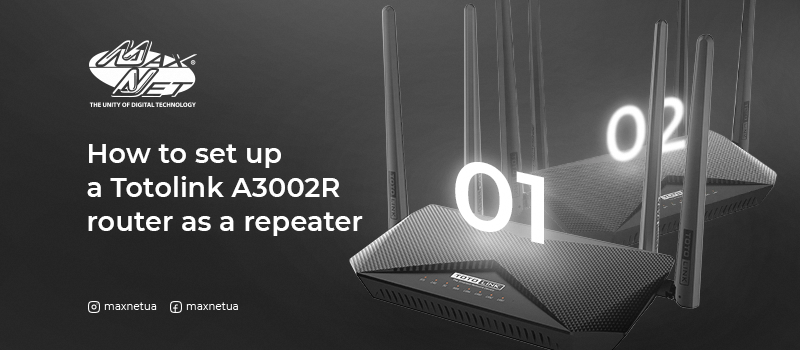
How to set up a Totolink A3002R router as a repeater

If you have several routers at your disposal, one of them can be used as a repeater to strengthen the signal and thereby increase the coverage area. To do so, you will need to bridge between the pair of devices. See our instructions on how to do this correctly.
How to recharge your personal Maxnet account via Privat24, monobank and Sense SuperApp Maxnet subscribers

How to recharge your personal Maxnet account via Privat24, monobank and Sense SuperApp

For «Maxnet» subscribers who are clients of «PrivatBank», «Monobank» or «Sense Bank» banks, convenient payment for Internet and TV services is available via Privat24, Monobank and Sense SuperApp here.
How to set up router MikroTik Internet

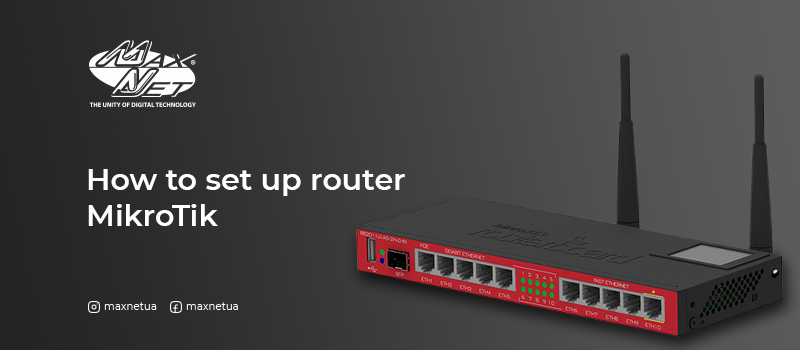
How to set up router MikroTik

Mikrotik RB2011UiAS-2HnD-IN is a multi-port Wi-Fi router that allows you to organize a high-performance network of any complexity in rooms.
The user terminal ONU PICOTEL PU-X910 Internet

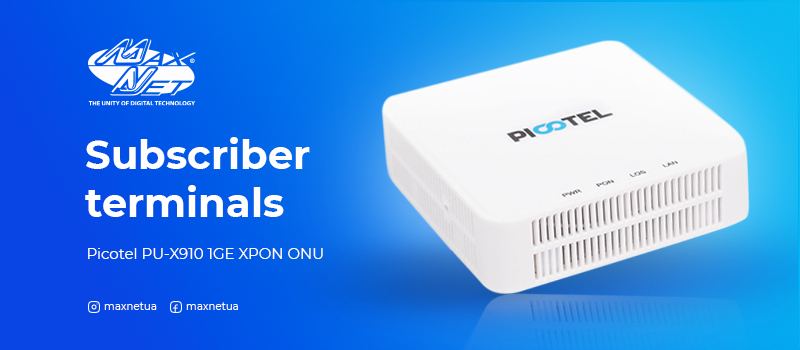
The user terminal ONU PICOTEL PU-X910

What is a subscriber terminal, we tell you in our article.
The PU-X910 model is designed to work in EPON and GPON networks, supports the EPON (802.3ah) and GPON (ITU-T G.984.2) standard and is fully compatible with OLT C-DATA, BDCOM, Huawei and ZTE. One Gigabit Ethernet port (10/100/1000 Mbps base-T) and one SC / UPC optical port are used to connect client equipment.
How to set up the inext set-top box Maxnet subscribers

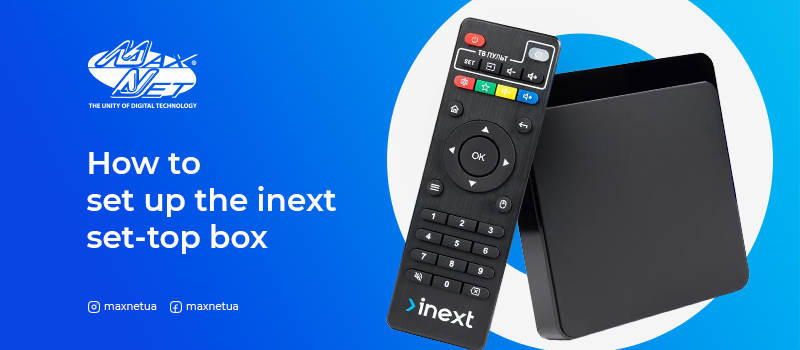
How to set up the inext set-top box

Inext TV5 is a media player is created for the comfortable video-, photo- and audio content watching. It has a rich functionality and wide abilities for connection. Inext TV5 allows you to enjoy fast speed and save a lot of applications and content.
How to set up a TOTOLINK N300RT router Internet

How to set up a TOTOLINK N300RT router

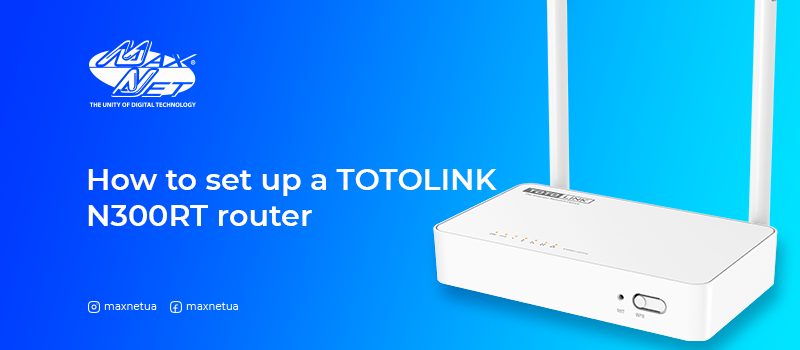
The N300RT Totolink is a multi-port Wi-Fi router that allows you to create an efficient wireless network in both concrete-walled multiroom apartments and office buildings.
How to set up router TOTOLINK A3002R Internet

How to set up router TOTOLINK A3002R

Totolink A3002R AC1200 is a dual-band gigabit router that complies with modern 802.11ac standards and, in total, at two frequencies, it supports transmission speeds of up to 1167 Mbps over a wireless network.